Automate Daily Standups
Let Dume Cowork collect status updates, compile your standup report, and post it to Slack — before you've had your coffee.
Starter prompt
Every weekday at 9 AM, check Jira for tickets I moved to In Progress or Done yesterday, check my calendar for meetings I attended, then post a standup message in the #engineering Slack channel in the format: What I did / What I'm doing today / Any blockers.
Introduction
Standups are valuable but the prep is tedious. Dume Cowork can run every morning as a scheduled task — pulling data from Jira, your calendar, and recent activity — and post a perfectly formatted standup to Slack before your team arrives online.
How It Works
Dume Cowork runs natively on your desktop with access to your local apps and connected integrations. You set up a scheduled task once and it executes automatically on a schedule.
Step 1 — Connect your tools
Ensure the following integrations are active:
- Jira — to read ticket status changes
- Slack — to post messages to a channel
- Google Calendar (optional) — to include meetings attended
Step 2 — Create the scheduled task
In Dume Cowork, go to Tasks → New Scheduled Task and describe the automation:
Every weekday at 9:00 AM:
1. Fetch all Jira tickets I worked on yesterday (status changed to In Progress or Done)
2. Check my calendar for completed events yesterday
3. Check my Jira backlog for today's planned tickets
4. Compose a standup message:
   - ✅ Yesterday: [list tasks completed]
   - 🔧 Today: [list planned tasks]
   - 🚧 Blockers: [any blocked tickets, or "None"]
5. Post the message to #engineering on Slack
Step 3 — Review the first few runs
For the first week, Dume Cowork will notify you before posting so you can verify the output. Once it looks right, switch to auto-post mode.
Example Standup Output
👋 Daily Standup — Alice

✅ Yesterday
  • Completed API rate limiting implementation (JIRA-412)
  • Reviewed PR for auth refactor (JIRA-408)
  • Attended sprint planning (1h)

🔧 Today
  • Write unit tests for JIRA-412
  • Start JIRA-415: pagination component

🚧 Blockers
  • JIRA-413 blocked on design review — flagging @bob
Customization
You can tailor the automation in plain language:
- "Only post if I have more than 1 completed task, otherwise skip"
- "Add an emoji summary based on velocity — 🟢 if >3 tasks, 🟡 if 1–2, 🔴 if 0"
- "Include a link to my Jira board"
- "Skip Mondays and only post Tuesday through Friday"
Scheduled Tasks in Dume Cowork
Scheduled tasks persist across desktop restarts. Dume Cowork runs them at the specified time even if you're mid-session in other apps — it operates in the background without interrupting your workflow.
More Dume Cowork use cases
Other workflows you can automate with Dume Cowork.
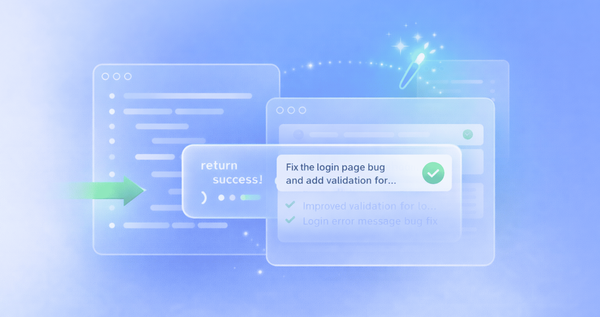
Build and Test Code Autonomously
Describe a feature or bug fix in plain English and let Dume Cowork write the code, run tests, and iterate until it passes.

Monitor Websites and Alert on Changes
Set Dume Cowork to watch any webpage for changes — price drops, new job listings, competitor updates — and alert you the moment something changes.
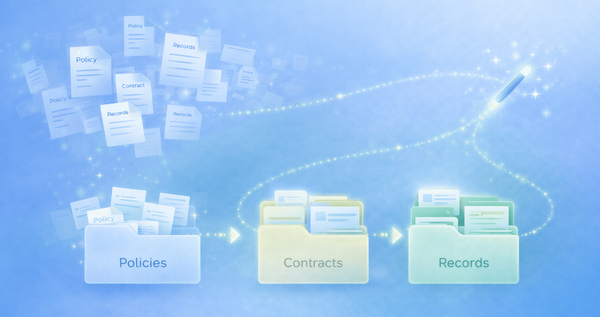
Prep Documents for Compliance Audits
Turn scattered policies, contracts, and records into organized, audit-ready documentation with clear structure and naming.