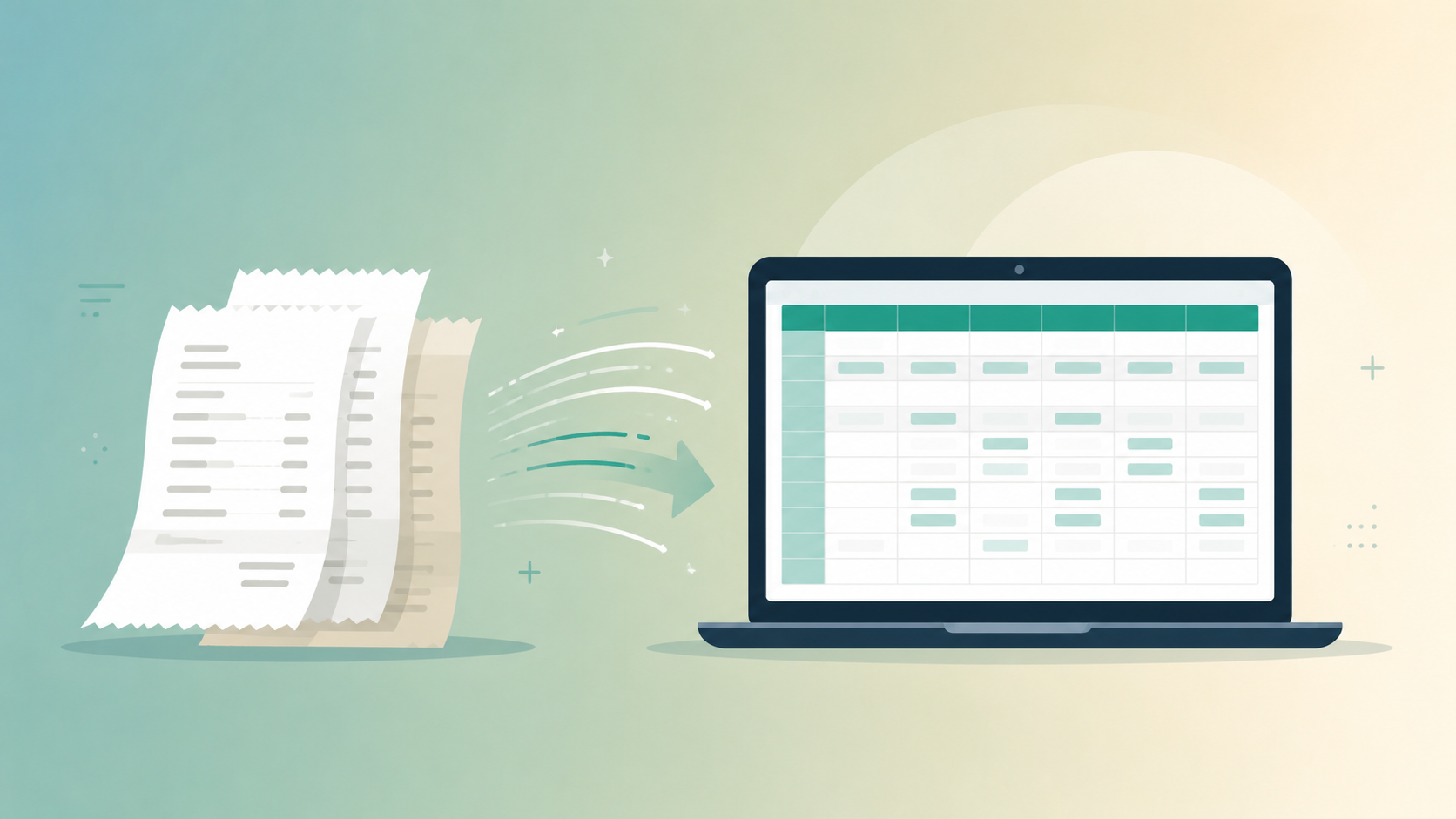
Turn Receipts and Invoices into a Clean Spreadsheet with AI

Anmol Singh
• • 6 min read
Meet Dume Cowork
A desktop AI agent that handles files, browser research, and reports end-to-end.
A shoebox of gas station receipts and a folder of PDF invoices don’t turn themselves into a spreadsheet. Someone has to open each file, read the vendor name, squint at a faded total, and type it into a row. Multiply that by forty receipts after a business trip, or three hundred invoices at quarter-end, and it’s an afternoon nobody budgeted for.
AI can now do that reading-and-typing step for you. Feed it a folder of scanned or photographed receipts and invoices, and it returns a spreadsheet with vendor, date, amount, and category already filled in — ready for a bookkeeper, an expense report, or your own budget. Here’s how that actually works with Dume Cowork, what to double-check before trusting the output, and how to set it up in a few minutes.
Key Takeaways
- Manual invoice processing costs $10 to $20 per invoice in labor and error correction (DocuClipper, 2026).
- Dume Cowork reads receipts and invoices — scanned, photographed, or PDF — and extracts vendor, date, amount, and category directly into spreadsheet rows.
- Setup takes about five minutes: point it at a folder, review the first batch against the source files, then export or sync the spreadsheet.
- Spot-check totals and vendor names on faded thermal receipts and handwritten tips — that’s where extraction is most likely to need a manual fix.
The Manual Process This Replaces
Manual AP teams process about five invoices an hour by hand and take an average of 17.4 days to clear one, compared with 3.1 days for top-performing teams, according to Ardent Partners’ accounts payable benchmarking data (Parseur, 2026). Expense reports add another drain: manual reporting wastes three to five employee hours a month per person (US Tech Automations, 2026, citing the NFIB 2025 Tech Survey).
The routine looks the same whether it’s one freelancer’s taxes or a company’s accounts payable queue: download or photograph the receipt, open it, read the vendor name and total, decide which budget category it belongs to, and type all four fields into a spreadsheet or expense tool. Do that fifty times after a trip and the fatigue shows — categories get sloppy, totals get mistyped, and receipts get set aside “for later.”
That fatigue has a measurable cost. Receipts get lost or come back illegible in 15 to 20 percent of manual submissions, and another 20 to 30 percent get miscategorized and need rework before a report can be approved. None of that back-and-forth is about judgment — it’s clerical work that happens to require careful reading.
That’s the part AI removes. Not the decision about whether an expense is reimbursable, just the typing that stands between a stack of paper and a usable spreadsheet.
How It Works
Say a folder holds thirty-two receipts and invoices from a two-week work trip: nine hotel folios as PDFs, fourteen restaurant receipts photographed on a phone, six rideshare receipts emailed as PDFs, and three vendor invoices for equipment rental. Dume Cowork opens every file in the folder, reads embedded text in the PDFs and runs OCR on the photos, and pulls four fields out of each one: vendor, date, amount, and category.
Vendor comes from the business name printed on the receipt header or invoice letterhead. Date is parsed from whatever format the document uses, including handling the difference between 03/04/2026 and 04/03/2026 by checking it against the file’s other details. Amount is the final charged total — not the subtotal or a single line item — matched against tax and tip lines so it doesn’t double count. Category is inferred from the vendor and line items: a hotel name suggests Lodging, a restaurant suggests Meals, a rideshare suggests Transportation.
Each receipt becomes one spreadsheet row. A hotel folio might read: Marriott Downtown, 2026-03-14, $284.50, Lodging. A rideshare receipt might read: Uber, 2026-03-15, $22.14, Transportation. Every row also keeps a link back to the source file, so a questionable total is one click from the original receipt instead of a guess.
When two files describe the same charge — a hotel invoice photographed and then also forwarded by email — Dume Cowork flags the pair as a likely duplicate instead of adding both rows to the total. Anything it can’t read cleanly, like a faded thermal receipt or a handwritten tip, gets flagged for review rather than filled in with a guess.
Setting It Up
Getting from a folder of receipts to a finished spreadsheet takes about five minutes:
- Install Dume Cowork on Mac or Windows and sign in.
- Point it at the folder holding your receipts and invoices — a Downloads subfolder, a phone-synced photo folder, or wherever your scans land.
- Choose “Extract to spreadsheet” and pick an output: a new Google Sheet, an Excel file, or a CSV.
- Review the first batch. Dume Cowork shows each row next to a thumbnail of the source file so you can confirm vendor, date, amount, and category before anything is finalized.
- Approve the batch, correct any flagged rows, then export it or turn on syncing so new receipts get added automatically as they land in the folder.
After that first review, the process runs in the background — new receipts get read and appended to the same spreadsheet without you reopening the tool.
Accuracy and What to Double-Check
AI-based invoice and receipt extraction is closing the accuracy gap fast. OCR-only tools cap out around 85 to 95 percent field-level accuracy, while AI-plus-machine-learning extraction reaches close to 99 percent (Lleverage data via Parseur, 2026) — which is why a handful of rows in any batch will still need a manual correction, even with a strong AI tool. Clean, machine-printed PDF invoices extract almost perfectly; the failure points are specific and predictable.
Faded thermal paper receipts, photos taken at an angle, and handwritten additions — a tip scrawled on a restaurant slip, a note in the margin of an invoice — are where extraction is most likely to misread a number or miss a field. Currency and date formatting can also trip things up across international receipts, since 03/04 means a different date in the US than it does almost everywhere else.
The category Dume Cowork assigns is a starting point, not a final answer. A big-box retailer receipt could be office supplies, personal shopping, or both on the same slip, and only the person who made the purchase knows which. Review category assignments before an expense report goes to approval, especially for vendors that don’t map to one obvious category.
A workable check-in routine: review every row in the first batch against its source file while you’re still learning how the tool reads your receipts, then spot-check flagged or low-confidence rows on every batch after that. Reconcile the spreadsheet total against a bank or card statement once a month rather than assuming the extracted numbers are exact.
Frequently Asked Questions
Receipts and invoices are one specific version of a broader problem: files that pile up because sorting them by hand takes longer than anyone has patience for. If your whole Desktop or Downloads folder needs the same treatment, not just the receipts, see how AI File Organizer for Mac & Windows handles that case. Both features run inside Dume Cowork, the same AI agent watching your files in the background.
Meet Dume Cowork
A desktop AI agent that handles files, browser research, and reports end-to-end.