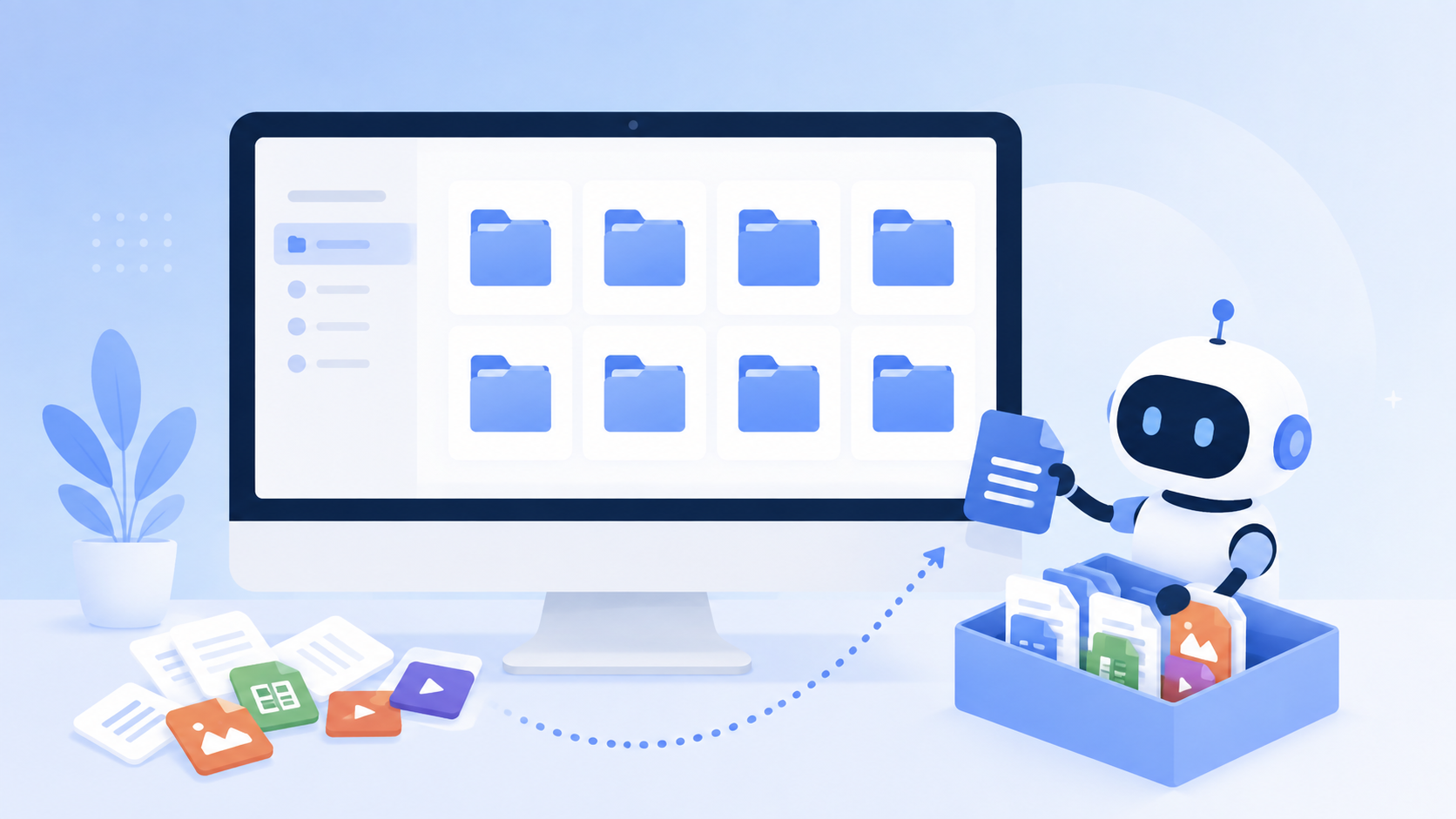
AI File Organizer for Mac & Windows: How Dume Cowork Cleans Up Your Desktop

Anmol Singh
• • 5 min read
Meet Dume Cowork
A desktop AI agent that handles files, browser research, and reports end-to-end.
Open a five-year-old Downloads folder and you get the entire history of your computer use in one scroll: a dozen resumes named final_v3, screenshots from a Zoom call in 2022, three copies of the same invoice, and a PDF you can't identify without opening it. Nobody organizes files as they go. A deadline hits, and everything lands on the desktop instead.
An AI file organizer promises to do that sorting for you, automatically, without you writing a single folder rule. Dume Cowork is dume.ai's version of that idea — an AI agent that watches your Mac or Windows desktop and files, renames, and archives things roughly the way you would, if you ever actually had time.
Here's what “AI file organizer” actually means, how Dume Cowork organizes files in practice, how to set it up, and exactly what stays on your machine versus what doesn't.
- Dume Cowork sorts files by type, date, and content — it reads what's inside a PDF or screenshot to decide where it belongs, not just the filename.
- Unlike rule-based tools such as Hazel, which need you to write if-then logic yourself, Dume Cowork reads your files and proposes a sorting structure automatically.
- File content stays on your device by default. Nothing uploads just because Dume Cowork sorted it into a folder.
- Setup takes about five minutes: point Dume Cowork at a folder, review its first pass, then let it run in the background.
What “AI File Organizer” Actually Means
An AI file organizer is software that looks at a file — its name, type, metadata, and often its actual content — and decides where it belongs without you writing manual rules first. That's the real difference from older file-automation tools, which only act on conditions you've already defined.
Take Hazel, the Mac utility a lot of power users have relied on for over a decade. Hazel watches a folder and runs if-then rules you write yourself: if a file's name contains “invoice,” move it to a specific folder; if a file hasn't been opened in 90 days, archive it. It's flexible and well-built, but every rule has to be authored by hand, and it's Mac-only.
Newer AI-first organizers work differently. Instead of matching a filename pattern, they read what's actually in the document, image, or spreadsheet, then group files by what they're about. That's a meaningful shift: you stop being the one who has to know your own filing system in advance.
Content-aware organizers built specifically around AI, rather than rule engines, have started showing up as their own category too — reading inside a document and sorting by topic with no rules to configure at all. That approach trades the control of hand-written rules for less setup work, which is a fair trade for anyone who never got around to writing the rules in the first place.
Dume Cowork sits in that second category, with one addition: it shows you the sorting plan before it touches anything. You're reviewing an AI's proposal, not discovering after the fact that it moved your tax documents somewhere unexpected.
How Dume Cowork Organizes Files
Dume Cowork organizes files along three axes — type, date, and content — and builds that structure from what's actually sitting in the folder you point it at, rather than from folder templates you'd have to set up first.
Picture a Downloads folder that's never been cleaned: installer .dmg and .exe files, screenshots, PDFs, zipped project files, and a few things named “download (3).pdf.” Dume Cowork groups these into folders like Installers, Screenshots (by month), Documents/PDFs, and Archives, and flags true duplicates instead of silently deleting them.
For years of scattered invoices and receipts, it goes further. Dume Cowork reads the content of each PDF or photographed receipt, pulls out the vendor name, date, and amount, and can rename the file to something like Acme-Supplies-2026-03-14-142.50.pdf and file it under Documents/Invoices/2026. That's the difference between a folder full of scan001.pdf and one you could actually search.
On a cluttered desktop, it runs a first pass as a proposal — showing you the groupings it wants to create before moving a single icon. You approve, adjust, or exclude folders (an active project you're mid-way through, say), and only then does it act.
Duplicate handling works the same way. If Dume Cowork finds two copies of the same file — a screenshot saved twice, an invoice downloaded from both an email and a browser — it flags the pair and asks before deleting anything, rather than assuming which copy you'd want to keep.
Setting It Up
Getting Dume Cowork organizing files takes about five minutes:
- Install Dume Cowork on your Mac or Windows machine and sign in.
- Point it at a folder — Desktop, Downloads, or a specific project directory — and grant file access to that location.
- Let it run a read-only first pass. Dume Cowork shows you a proposed folder structure and renaming plan before it moves anything.
- Review and adjust the plan: approve categories, tweak naming patterns, or exclude folders you don't want touched.
- Turn on ongoing organization. Dume Cowork keeps watching the folder and sorts new files automatically from then on.
From there, Dume Cowork checks in periodically with a short summary of what it moved, so nothing happens silently in the background forever.
Privacy: What Stays On Your Machine
By default, Dume Cowork reads and processes file content locally on your Mac or Windows machine to decide where things go. It doesn't upload your documents to a server just to sort them into folders.
File names, metadata, and content used for sorting decisions stay on-device. Nothing leaves your machine unless you specifically ask Dume Cowork to act on a file somewhere else — emailing it, uploading it, or turning it into a spreadsheet, for example.
Folder access is scoped to whatever you grant. You can point Dume Cowork at your Downloads folder and nothing else, or exclude a folder that holds medical records or contracts entirely. That scoping matters more for a file organizer than almost any other AI tool, since it's touching every document you own by design.
Worth saying plainly: an AI file organizer only earns trust by being predictable. Dume Cowork's review-before-you-act step and local-first processing exist for the same reason — so the tool that's supposed to reduce clutter never becomes one more thing on your desktop you have to double-check.
Frequently Asked Questions
If your Desktop and Downloads folder have turned into a junk drawer, an AI file organizer that reads content instead of just filenames is a genuinely different experience from rule-based automation. See what Dume Cowork can do with your files, and set up your first folder today.
Meet Dume Cowork
A desktop AI agent that handles files, browser research, and reports end-to-end.