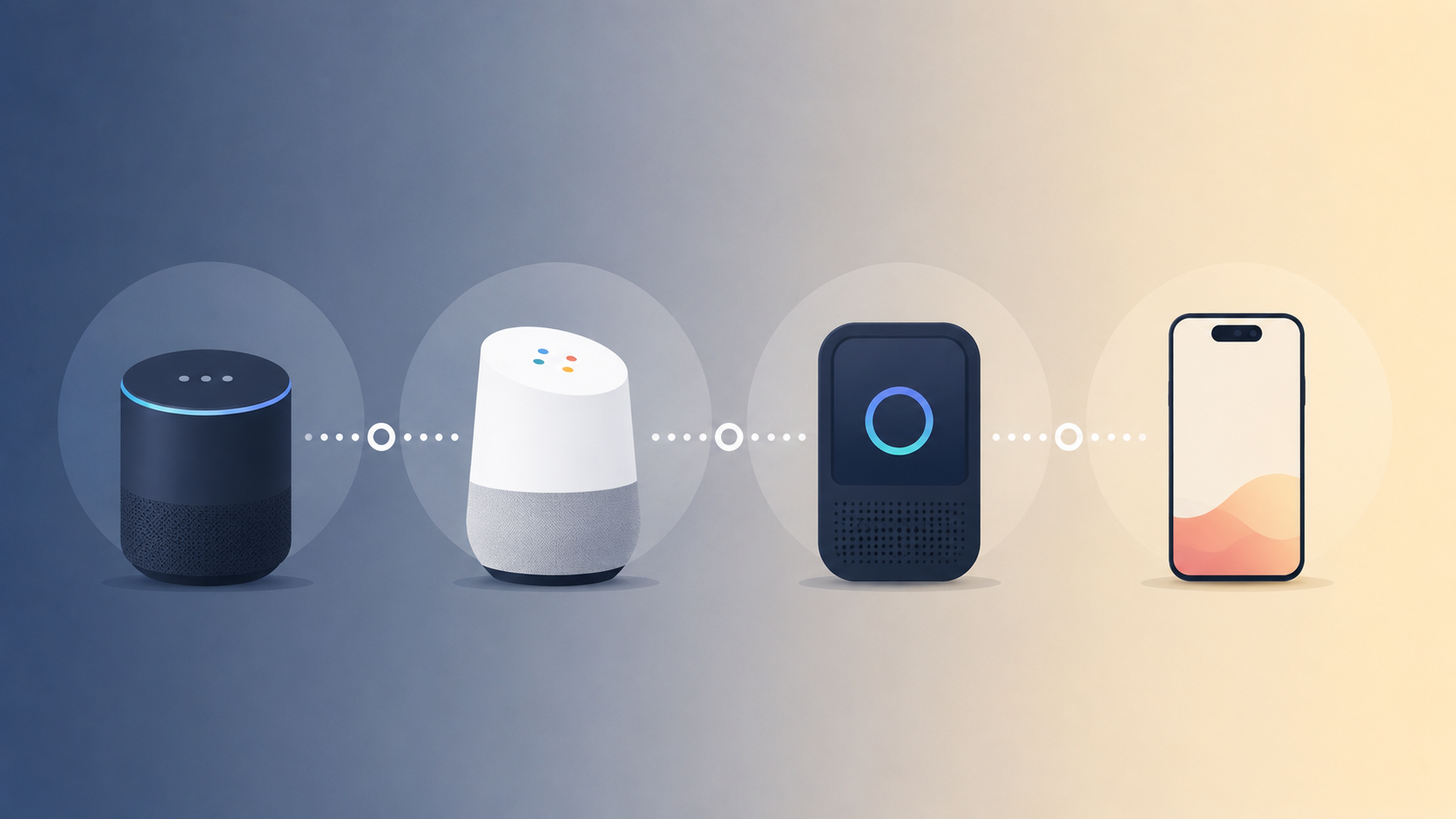
AI Voice Assistant vs Siri, Alexa & Google Assistant for Work

Anmol Singh
• • 6 min read
All your tools. One intelligent assistant.
Your AI executive assistant that plans, organizes, and acts for you across every tool you use.
If you've gone looking for an AI voice assistant for work, you've almost certainly already tried the three that came free with your devices. Siri is on your phone. Alexa is on the kitchen counter. Google Assistant has answered “Hey Google” for the better part of a decade. So the real question isn't whether you need a voice assistant. It's whether the ones you already own can handle the parts of your job that actually cost you time.
That question got more interesting in 2026, because all three were rebuilt. Apple shipped a completely new Siri AI in June with personal context and onscreen awareness (Apple, 2026). Amazon opened Alexa+ to every US customer in February (About Amazon, 2026). And Google is switching off the classic Assistant on mobile starting September 4, 2026, handing phones over to Gemini (Chrome Unboxed, 2026).
All three are good products. None of them was designed around your work stack. That distinction — not raw model quality — is what decides whether a spoken request finishes or stalls halfway.
Key Takeaways
- Google is discontinuing the classic Google Assistant on mobile starting September 4, 2026. Gemini takes over on phones, tablets, Wear OS watches, earbuds and Android Auto, with no option to switch back (Chrome Unboxed, 2026).
- Siri AI, introduced June 8, 2026, reads personal context across Mail, Messages and Photos and drafts email in your usual tone — but it isn't available initially in the EU on iOS, iPadOS or watchOS (Apple, 2026).
- Alexa+ is $19.99/month and free for Prime members, and it turns an emailed schedule into calendar events (About Amazon, 2026). But Alexa links Outlook.com and Microsoft 365 personal accounts only — a work or school Exchange calendar outside Microsoft 365 won't sync (Microsoft Q&A, 2026).
- The dividing line for work isn't intelligence. It's reach — each consumer assistant lives inside one vendor's account graph, so they stop where Jira, Notion, Slack and Linear begin.
- Work-specific assistants trade smart-home control for cross-tool execution, and reach you on WhatsApp or a phone call instead of only through a device you're holding.
| Work-relevant capability | Siri (Siri AI) | Alexa+ | Gemini (replacing Google Assistant) | Dume (work-specific) |
|---|---|---|---|---|
| Read your calendar by voice | Yes | Yes | Yes | Yes |
| Create or move meetings by voice | Yes, on Apple Calendar and synced accounts | Yes, including shared family calendars | Yes, across Google Calendar | Yes, across connected work calendars |
| Draft and send work email | Drafts in your tone; you confirm before sending | Can draft and send by voice | Gmail Live answers spoken inbox questions and drafts replies | Drafts, sends and follows up across connected inboxes |
| Work tools (Jira, Notion, Slack, Linear) | Only where a developer has built App Intents | Not a target use case | Workspace-first; limited outside Google | 50+ integrations plus MCP support |
| Microsoft 365 / Exchange work accounts | Supported through Mail account setup | Outlook.com and M365 personal only; work/school Exchange won't sync | Limited — built around Google Workspace | Supported as a connected account |
| Reaches you away from the device | Apple devices only | Echo devices, Alexa app, Alexa.com | Android, Wear OS, Chrome | Browser, WhatsApp and inbound/outbound phone calls |
| Multi-step work tasks without a screen | Limited to app actions | Agentic for consumer tasks (reservations, rides) | Growing via Workspace Intelligence | Built for it — research, reports, file work |
| Smart home and media control | Strong | Best in class | Strong | Not offered |
| Price | Free with a supported Apple device | $19.99/mo, free with Prime | Free; advanced tiers via Google AI plans | Free forever tier; paid from $4/mo billed yearly |
Capabilities per Apple Newsroom (June 2026), About Amazon (February 2026), Google Workspace Updates (2026) and dume.ai (2026). Consumer assistant features vary by device, region and account type.
What Siri, Alexa, and Google Assistant Are Built For
All three are built around your personal life on a device you own, and they're better at that job than ever. Alexa+ reached every US customer on February 4, 2026 at $19.99/month, free for Prime members (About Amazon, 2026). That's consumer distribution at a scale no work tool will match — and it shows in how these assistants were designed.
Siri got the deepest rebuild. The version Apple introduced on June 8, 2026 draws on personal context across messages, emails and photos, so it can surface a hotel confirmation number from an old email or find a restaurant a friend mentioned (Apple, 2026). Its writing tools mirror how you normally talk to each recipient. If you send your manager short bullet points, that's what Siri drafts. For a lot of work email, that's better than starting from scratch.
The catches are practical. Siri AI needs an iPhone 16 or newer (or an iPhone 15 Pro), and it isn't available initially in the EU on iOS, iPadOS or watchOS, nor in China. For a team spread across regions, that's a real constraint.
Alexa+ runs on Amazon Nova and Anthropic models, and it does something most assistants still can't: it closes the loop. You can email it a schedule and it will add the events to your calendar with notes attached, or ask it to book a reservation or a ride (About Amazon, 2026). That's a genuine agentic write path, not just dictation with extra steps.
Google's story in 2026 is a migration. The classic Assistant is being retired on mobile from September 4, and the change cascades to paired Wear OS watches, compatible earbuds and Android Auto; only cars with Google built-in keep it for now (Chrome Unboxed, 2026). What replaces it is more capable for work. “Ask Gemini in Chat” began rolling out on August 26, 2026 and can search across Gmail, Drive and Calendar, schedule meetings and manage tasks without leaving the conversation — though it's limited to Business Standard and Plus, Enterprise Standard and Plus, and Education add-on plans (Google Workspace Updates, 2026).
Here's the fair verdict. If your entire working day lives inside one vendor's ecosystem — Google Workspace only, or Apple Mail and Apple Calendar only — one of these three probably covers most of what you need. That's a legitimate answer, not a consolation prize.
Where Work-Specific AI Assistants Differ
The gap isn't model quality. It's reach. Siri, Alexa and Gemini each operate inside a single vendor's account graph, so they end exactly where most people's work stack begins. Dume connects to 50+ tools and supports MCP, which is a large part of why it scored 9.4/10 in our 18-assistant work-task test.
Think of it as a permission surface, not a feature list. Apple acts on Apple apps and any third-party app whose developer shipped App Intents. Amazon acts on Amazon services and smart-home devices. Google acts across Workspace. None of that maps onto a Tuesday afternoon touching Jira, Notion and Slack in the same twenty minutes.
Four differences matter most once work is the use case:
- Cross-tool execution. “Pull the open bugs from Jira, summarize them in the sprint doc, and tell the channel” is one sentence and three tools. Consumer assistants handle the sentence, not the tools.
- Channel independence. Siri needs an Apple device. Alexa needs an Echo, the app, or Alexa.com. Gemini needs Android or Chrome. An assistant that answers on WhatsApp or a live phone call still works when you're driving or on someone else's laptop.
- Account type. Alexa links Outlook.com and Microsoft 365 personal accounts, but a calendar stored locally or on a work or school Exchange server outside Microsoft 365 simply won't sync — and that's the calendar most people need help with (Microsoft Q&A, 2026).
- Model choice. Siri runs Apple's models, Alexa runs Nova and Anthropic, Gemini runs Google's. Dume lets you pick between GPT-5, Gemini, Kimi, Mistral or Perplexity, which matters when one model handles your domain better.
The trade runs both ways, and it's worth being blunt. Dume won't turn off your lights, play music in the kitchen, or set a timer while your hands are covered in flour. For plenty of people, those are the moments a voice assistant earns its place.
Which One Should You Actually Use in 2026?
Most people end up running two, and that's the honest recommendation rather than a hedge. The consumer assistant handles the house and the car. The work assistant handles the tools your calendar, inbox and tickets live in.
- Stay with Siri if your stack is Apple Mail and Calendar, you're on an iPhone 15 Pro or newer, and you're in a supported region. Tone-matched drafting is the strongest work feature of the three.
- Stay with Alexa+ if your bottleneck is coordinating a household rather than a team, and you already have Prime — in which case it costs you nothing extra.
- Move to Gemini if you're a Google Workspace shop. On Android you have no choice after September 4, but Workspace Intelligence makes it a real upgrade for work.
- Add a work-specific assistant if your day spans four or more tools, you need it to reach you away from a screen, or your employer's mailbox won't link to a consumer assistant.
If you've built work routines on Google Assistant, note that you have days, not months, and the switch is one-way. It's a good moment to audit which voice habits are actually load-bearing and which channels you want your assistant available on.
Frequently Asked Questions
The short version: Siri, Alexa and Gemini are excellent at the job they were designed for, and 2026 made all three noticeably better at it. They just weren't designed for your work stack, and no amount of model improvement moves a permission boundary. For the longer breakdown of which assistants can actually move a meeting or send a reply end-to-end, read our pillar guide to the best AI voice assistant for calendar and email control in 2026 — or see what happens when an assistant can place and answer real phone calls.
All your tools. One intelligent assistant.
Your AI executive assistant that plans, organizes, and acts for you across every tool you use.