Ways to Control Your AI Assistant: Browser vs WhatsApp vs Phone vs Desktop

Anmol Singh
• • 8 min read
Meet Dume Cowork
A desktop AI agent that handles files, browser research, and reports end-to-end.
Most people choose an AI assistant by comparing what it can do. The more useful question is where you can actually reach it. The average digital worker toggles between apps and websites roughly 1,200 times a day, and about 200 hours a year — 9% of total work time — disappears into that switching alone (Speakwise workplace data, 2026). An assistant that lives in exactly one tab just adds another stop on that route.
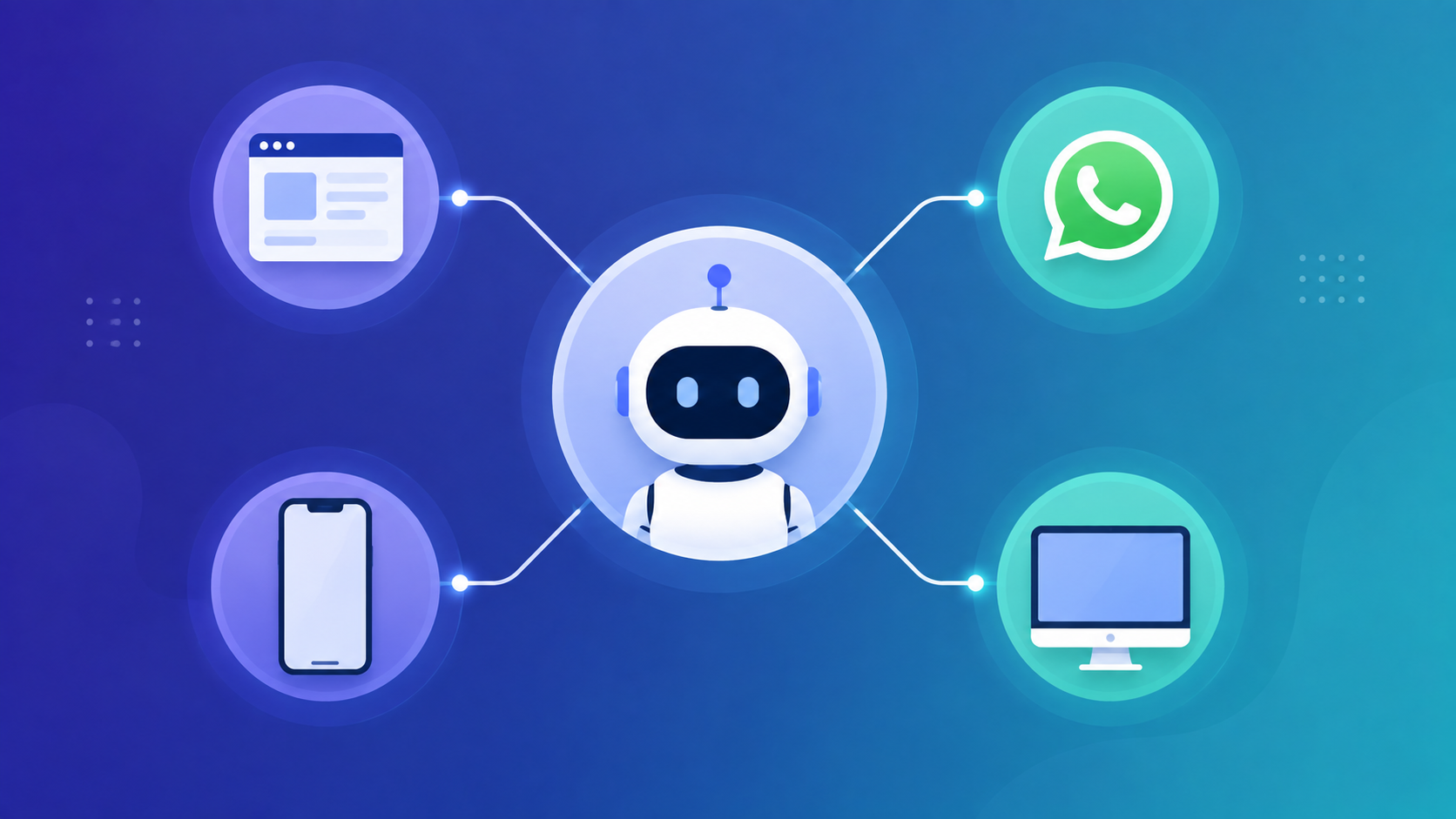
Dume runs on four surfaces: the browser app, WhatsApp, a live phone call, and Dume Cowork on your desktop. They aren't four products. They share one account, one memory, and one set of permissions, so a task you start in one place can be finished in another. This guide covers what each channel is genuinely good at, where each one falls short, and how to hand off between them without repeating yourself.
Key Takeaways
- Four channels, one assistant: browser, WhatsApp, phone, and desktop share the same account, memory, and permissions.
- Use the browser to review and approve, WhatsApp to delegate quickly, the phone for hands-free moments, and Cowork for real file work.
- WhatsApp reaches about 2.3 billion daily users, which is why Dume treats it as a primary interface rather than a notification add-on (Demandsage, 2026).
- Phone calling is included on every plan, including Free, and you can call in from any phone worldwide; callbacks currently reach nine regions.
- The biggest gains come from handing off between channels — start a task by phone, review the finished work in the browser.
| Channel | Best for | Main limitations |
|---|---|---|
| Browser / web app | Reviewing output, approving drafts, connecting integrations, building routines, anything visual | Needs a screen and a free hand; the slowest channel to reach when you're moving |
| Quick delegation, morning briefings, forwarding email threads for a summary, voice notes | No visual review; not suited to deep file edits or multi-app workflows | |
| Phone call | Hands-free capture, rescheduling, and inbox triage while driving, walking, or cooking | No visuals on a call; callbacks limited to nine regions; long approvals are safer on screen |
| Dume Cowork (desktop) | Local file work, spreadsheets from receipts, reports, and tasks spanning multiple websites | macOS and Windows only; your machine has to be awake; currently a research preview |
Channel capabilities per dume.ai product documentation (2026). Setup steps for WhatsApp and phone calling are covered in the linked guides.
The Browser: Where You Review and Approve
The browser is the only channel that shows you everything at once, which makes it the right place to finish work rather than start it. Refocusing after an interruption takes an average of 23 minutes and 15 seconds (Speakwise, 2026), so the browser earns its place when a task genuinely deserves your attention — not when you just need to move a meeting.
This is where the assistant's setup lives. You connect Gmail, Calendar, Notion, Slack, Jira, and the rest of the 50+ integrations here. You build routines here. You edit a draft, compare two versions of a document, or look at a chart here. Anything with a layout belongs on a screen.
Here's the pattern we keep seeing, though: people default to the browser for everything, including two-second tasks. That's backwards. Asking the browser to reschedule a 3pm meeting costs more in tab-hunting and re-focusing than the decision itself is worth. The browser is a workshop, not a doorway.
If most of your day already happens on the web, Dume for Chrome puts the assistant on the page you're already looking at, so you don't have to move to a separate tab to ask it something about the page in front of you.
The browser is also where you decide which model is doing the thinking. Dume lets you pick the engine behind your assistant — GPT-5, Gemini, Kimi, Mistral, or Perplexity — and that choice carries over to every other channel. A question you ask by phone runs on whatever model you selected on screen.
- Best moments: approving a batch of drafted replies, wiring up a new integration, reviewing a report before it goes out.
- Worst moments: anything you could have said out loud in five seconds while walking.
WhatsApp: The Fastest Way to Delegate
WhatsApp is the quickest channel to reach because it's already open. The platform has more than 3.3 billion monthly active users and roughly 2.3 billion daily (Demandsage, 2026). Building assistant control into a thread you already check removes a login, an app install, and a notification permission nobody wanted to grant.
In practice it handles a narrow but high-frequency set of jobs well: texting a task from the train, getting a morning briefing delivered as a message, forwarding a long email thread and asking for the three-sentence version, sending a voice note instead of typing, and approving a drafted reply with a one-word answer.
WhatsApp also doubles as the remote control for your desktop. Send Cowork a task from your phone and it executes on your computer while you're away, which is a different thing from a chatbot replying to you in a thread.
Setup takes about five minutes — link your number, confirm a verification code, send a test message. Rather than repeat it here, our step-by-step guide to controlling your AI assistant from WhatsApp walks through connecting the channel, adding authorized numbers, and tuning notification preferences, including whether you want a proactive morning briefing or reply-only behavior.
The honest limit: WhatsApp can't show you anything. There's no reviewing a spreadsheet, eyeballing a calendar layout, or making a judgment call about a document in a chat bubble. It's a delegation channel, not a workspace.
Phone Calls: The Channel for When Your Hands Are Full
Phone calling covers the moments when even typing is too much. An estimated 157.1 million Americans are projected to use a voice assistant in 2026, yet most of those interactions stop at answering questions instead of doing the work; among people who do get task execution, 76% report significant or transformational operational ROI (G2, 2025). That gap between answering and doing is the whole point of the channel.
It's a real call over the cellular voice network, not a data-dependent voice mode. You save the number the way you'd save a human assistant's, then dial it. A basement, a dead zone, or a spotty roaming signal won't stop it. You can call in from any phone, anywhere in the world, and it's included on every plan — including Free.
One call can move a meeting and notify the attendees, read back what's on your plate, capture a task before it slips, triage your inbox out loud, or kick off a multi-hour job that keeps running after you hang up. Our phone calling setup guide covers verifying your number, saving the line, turning on callbacks, and the full list of what works hands-free today.
Two limits worth knowing. Calling in works globally, but Dume calling you back currently reaches nine regions. And there are no visuals on a call — signing off on a long contract or a design file is still safer on a screen.
Dume Cowork: The Desktop Agent for Real File Work
Cowork is the only channel that touches your actual files. It runs locally on macOS and Windows, and your documents stay on your machine rather than being uploaded to a server. That single architectural choice is what lets it do work the other three channels structurally can't.
The jobs it's built for are the ones that would otherwise eat an afternoon: sorting and renaming a chaotic Downloads folder, turning a pile of receipts and invoices into a clean expense spreadsheet, drafting a weekly status report from Jira, GitHub, and Slack against your own template, or reading a month of meeting notes and pulling out the decisions and open questions.
It also drives a real browser. Give it a goal that spans several sites — compare flight prices across Google Flights, Kayak, and the airline's own site — and it works through each one and reports back. You can extend it with Skills and MCP servers, and it shows you the plan and waits for approval before anything significant happens. Full capabilities are on the Dume Cowork product page.
The tradeoffs are real. Cowork is in research preview, it's macOS and Windows only, and your computer has to be awake for a task to run. That last one matters more than it sounds: a task you send from WhatsApp at midnight won't execute on a sleeping laptop.
Choosing the Right Channel for the Moment
The rule of thumb is simple: match the channel to what your hands and eyes are already doing. If your eyes are free, use the browser. If your hands are free but your eyes aren't, use the phone. If neither is fully free but you have ten seconds, use WhatsApp. If the work involves your own files, it's Cowork.
The bigger gain isn't picking one channel and staying there. It's the handoff. Because all four share the same memory and permissions, you can change surfaces mid-task without re-explaining anything. A few patterns that work well:
- Start by phone, review in the browser. Say "draft a reply to the Henderson thread" from the car, then approve or edit it on screen when you sit down.
- Delegate on WhatsApp, execute on the desktop. Text a task from a coffee shop and come back to Cowork having finished it on your machine.
- Kick off in Cowork, check status from WhatsApp. Start a long report before lunch, then ask for progress from your phone.
- Set up once in the browser, use everywhere. Integrations and routines you configure on screen apply to every other channel automatically.
One thing stays constant no matter which door you walk through: the approval gate. Dume shows you the plan and waits before it does anything significant, whether you asked from a chat thread or a moving car. That consistency is what makes switching channels safe — you're not trading away oversight for convenience when you delegate from your phone instead of your desk.
There's also a permissions point worth making. Because every channel inherits the same access you granted in the browser, adding WhatsApp or phone calling doesn't widen what the assistant can reach. It only widens where you can reach the assistant. Revoking an integration on screen revokes it everywhere at once.
What surprised us most in day-to-day use is how rarely the browser turns out to be the starting point. The screen is where work gets checked and signed off. The phone and WhatsApp are where it gets started. Most people have that backwards for the first week, then quietly stop opening the tab first.
If you want to see how these fit specific roles and workflows, the Dume use case library breaks it down by job, and current channel limits per plan are on the pricing page.
Frequently Asked Questions
Bottom Line
The four channels aren't competing options — they're four doors into the same assistant, and each one is best at a genuinely different thing. The browser reviews and approves. WhatsApp delegates. The phone captures when your hands are busy. Cowork does the file work nothing else can touch.
If you take one thing from this: stop asking which channel is best and start noticing which one is closest right now. The 200 hours a year most people lose to app switching don't disappear because a tool got smarter. They disappear when the tool stops requiring a specific place to be used.
Pick the two channels that match your day — most people land on the browser plus one mobile channel — and add the others when you hit a moment they'd have saved you. Every channel is available on the free plan, so the cheapest way to find out which pair fits is to start free with no credit card and try them for a week.
Meet Dume Cowork
A desktop AI agent that handles files, browser research, and reports end-to-end.